CRYPTA VITAE
Your records are your defence. Make sure they hold up.
When a complaint is filed, a tribunal convened, or a decision challenged, the integrity of your documentation determines the outcome. CryptaVitae stores your professional records with RFC 3161 trusted timestamps, SHA-256 content verification, and local-first encryption — so every entry you make is independently verifiable, tamper-evident, and yours alone.
Windows 10/11 · Local-first · No cloud · No third-party access · Mobile companion
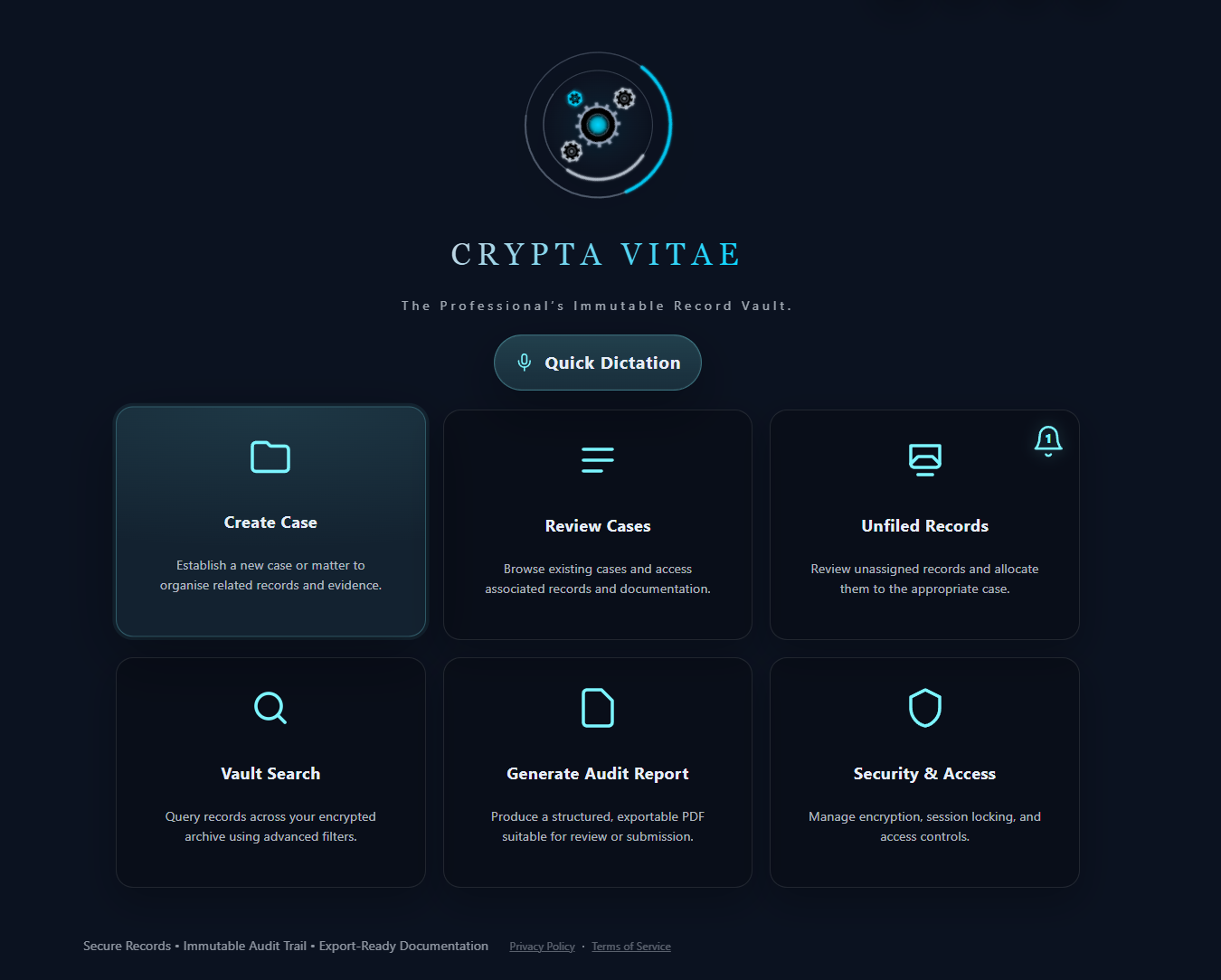
Actual application interface
Capabilities
Built for the moment your records are examined
For professionals whose documentation must survive complaints, investigations, and formal scrutiny.
Independent Timestamp Authority
When you save a record, a 32-byte SHA-256 fingerprint of the content — mathematically irreversible — is sent to an RFC 3161 timestamp authority. Your record never leaves your device. The authority signs the fingerprint and returns a token confirming it existed at that moment, from a source entirely outside your control.
Court-Ready Evidence Bundles
Export any case as a signed PDF with a full chain-of-custody manifest, SHA-256 integrity hashes, attestation block, and your professional branding. Structured for formal submission — not reformatting under pressure.
Local-First Ownership
Your vault lives on your machine, encrypted with a key derived exclusively from your PIN. No server receives your data. No third party holds a copy. Lock the vault and the key is wiped from memory immediately.
Duress Protection
A secondary PIN unlocks a separate, credible decoy vault — indistinguishable from your primary vault to anyone observing the unlock. In situations involving coercion or forced access, your real records remain protected.
Voice-First Capture
Dictate notes immediately after a visit, call, or incident. Transcription runs entirely on your device — no audio is sent to any server. The transcript is encrypted with the same key as all other records the moment it is saved.
Profession Templates
Pre-built entry structures for solicitors, social workers, therapists, HR investigators, and compliance officers. Your records capture what matters, in the format that holds up — structure imposed at capture, not reconstructed under pressure.
Who It's For
Professionals whose records must withstand formal examination
CryptaVitae is built for regulated professionals operating in contexts where documentation is subject to review, challenge, or legal disclosure.
Solicitors & Legal Professionals
Maintain an independently timestamped record of attendances, advice given, and client decisions — defensible at tribunal or regulatory review without relying on firm infrastructure.
Social Workers & Child Protection
Document assessments, visits, and safeguarding decisions with tamper-evident revision history. If your judgement is later challenged, your contemporaneous record is verifiable — not reconstructed.
HR & Workplace Investigators
Preserve the chain of evidence for disciplinary investigations. Timestamped records, encrypted attachments, and court-ready exports protect both the process and the people running it.
Therapists & Clinical Practitioners
Keep sensitive session notes and clinical decisions under your direct control. Local-first storage means no third-party platform holds custody of your clinical records.
Private Investigators
Field notes, surveillance logs, and supporting documents stored in a controlled system with encrypted backup, tamper-evident history, and export-ready documentation for instructing solicitors.
Compliance & Regulatory Officers
Audit-ready records with immutable revision snapshots, SHA-256 content hashing, and structured exports for regulatory submissions — without relying on shared infrastructure you don't control.
How It Works
From First Record to Formal Submission
Establish Your Vault
Create your encrypted vault with a PIN you control. No account, no cloud setup, no third-party registration required. Your key is yours alone.
Capture & Organise
Record notes by voice or text immediately after every visit, decision, or incident. Organise by case with profession-specific templates and supporting attachments.
Export When It Counts
Generate a court-ready Evidence Bundle in seconds — SHA-256 hashes, RFC 3161 timestamps, chain-of-custody manifest, and your professional branding. Ready for formal submission as it is.
Zero-Knowledge. Zero Custody. Zero Assumptions.
No server ever receives your records. No company holds your encryption key. No breach of a third-party platform can expose what you've documented.
CryptaVitae operates on a zero-knowledge architecture. Your vault is encrypted on your machine with a key derived from your PIN — that key exists in memory only while the vault is unlocked and is wiped immediately on lock. The application initiates no outbound network connections except one: an RFC 3161 timestamp request to an independent timestamp authority at the moment of each new record, to establish verifiable third-party attestation of content and time.
Your backup is an encrypted file written to a location you control. It is opaque to any storage provider that holds it. There is no account, no login server, and no telemetry. If Crypta Vitae ceased to exist tomorrow, your vault and its records would remain fully readable with your PIN.
In legal and regulatory contexts, the combination of local custody, content hashing, and independent timestamping satisfies the core requirements for documentary evidence integrity: that the record is what it claims to be, that it has not been altered, and that it existed at the time stated.
Early Access
Join the Waitlist
CryptaVitae is in final preparation for release. Join the waitlist to be notified first.
Your records will be examined. The question is whether they hold up.
CryptaVitae gives regulated professionals the documentation infrastructure their work demands — encrypted, timestamped, and independently verifiable before the scrutiny arrives.